This report shows the record of the total count of leads routed during the previous month based on the particular Routing Territory.
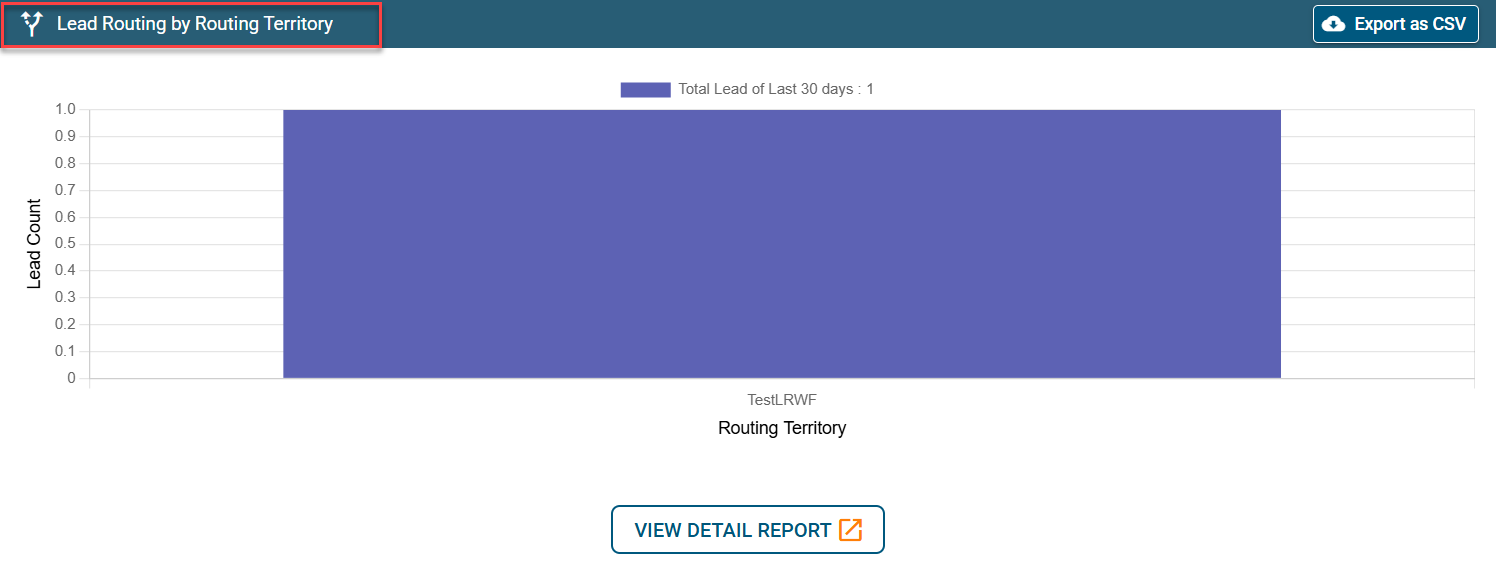
While you click on View Detail Report, you will be able to filter Lead owner, time period, or routing territory metrics to view Lead routing detailed information.
To see the lead details, click on the action button.
Note:
Meeting Booked status is disabled because the leads from the web forms are routed through the Waterfall method under Lead Routed by Routing Territory and not the flowchart method.