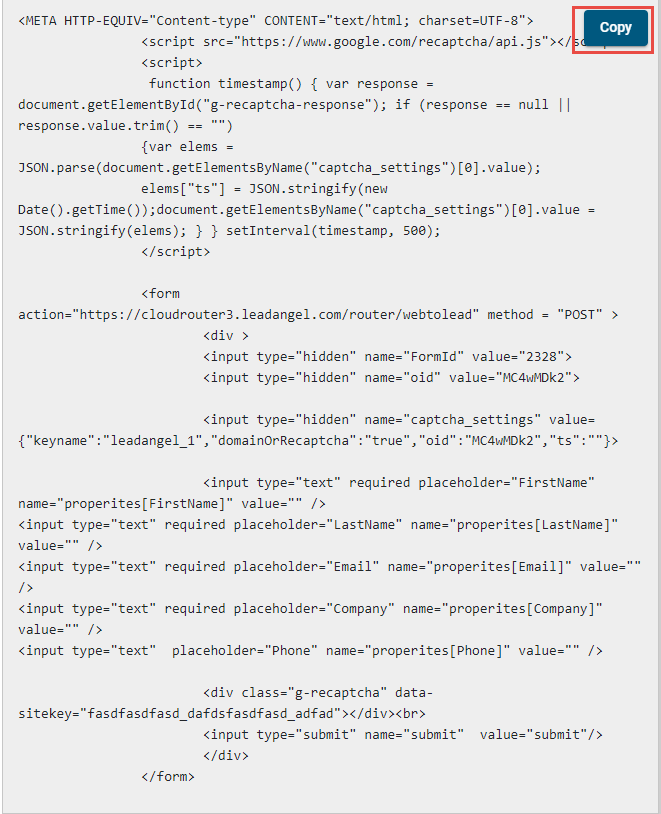
A Lead Capture Form collects lead information and helps route it to the right salesperson or team. It’s used to engage visitors and convert them into prospects.
¶ How do I create a Lead Capture Form?
Creating a Lead Capture Form takes 3 simple steps:
- Lead Capture form configures following:
- Default Owner
- Lead Router
- Default Calendar
- Thank You Page URL
- Salesperson Calendar (if stored in user profile)
Configure the above settings under the "Details" tab.
The default values are used when the Lead could not be routed, or is routed to a person with no calendar link setup.

- After setting defaults, you can:
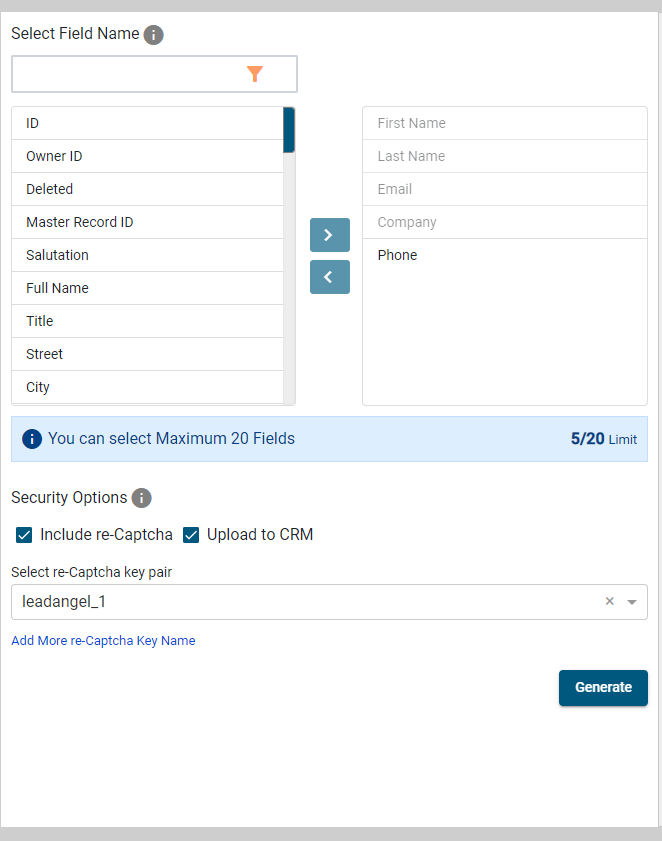
- Add security (like re-Captcha)
- Choose CRM upload options
- Select which fields to include on the form
- Last step is to generate the form code to be used on the website. After completing step #2, click on "Generate" to generate the form on the right hand side. Copy the code to embed on the website.