¶ What is the Audit Log used for?
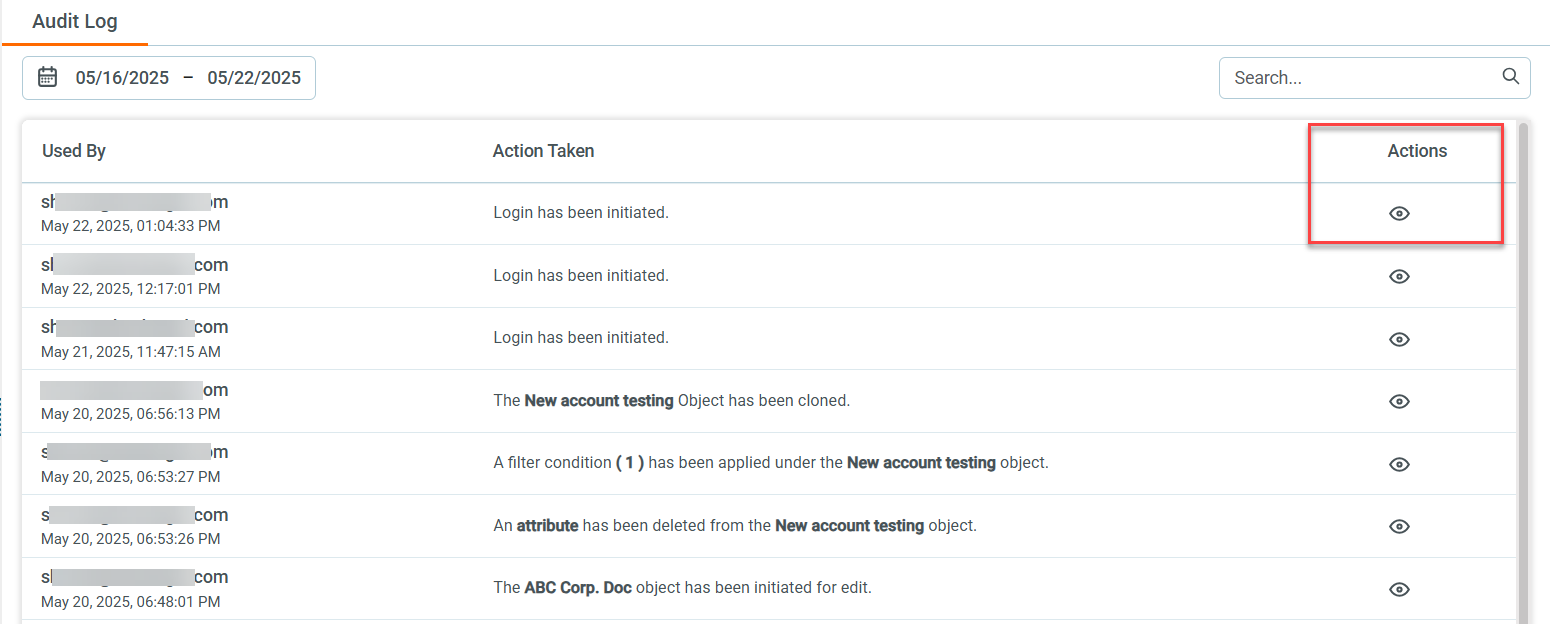
The Audit Log captures detailed records of user activities across the system. It tracks actions such as logins, data access, and modifications. This helps with:
- Monitoring user behavior
- Investigating suspicious activity
- Meeting compliance requirements
- Maintaining system security and integrity
¶ How do I view the Audit Log?
Follow these steps:
- Log in to www.app.leadangel.com.
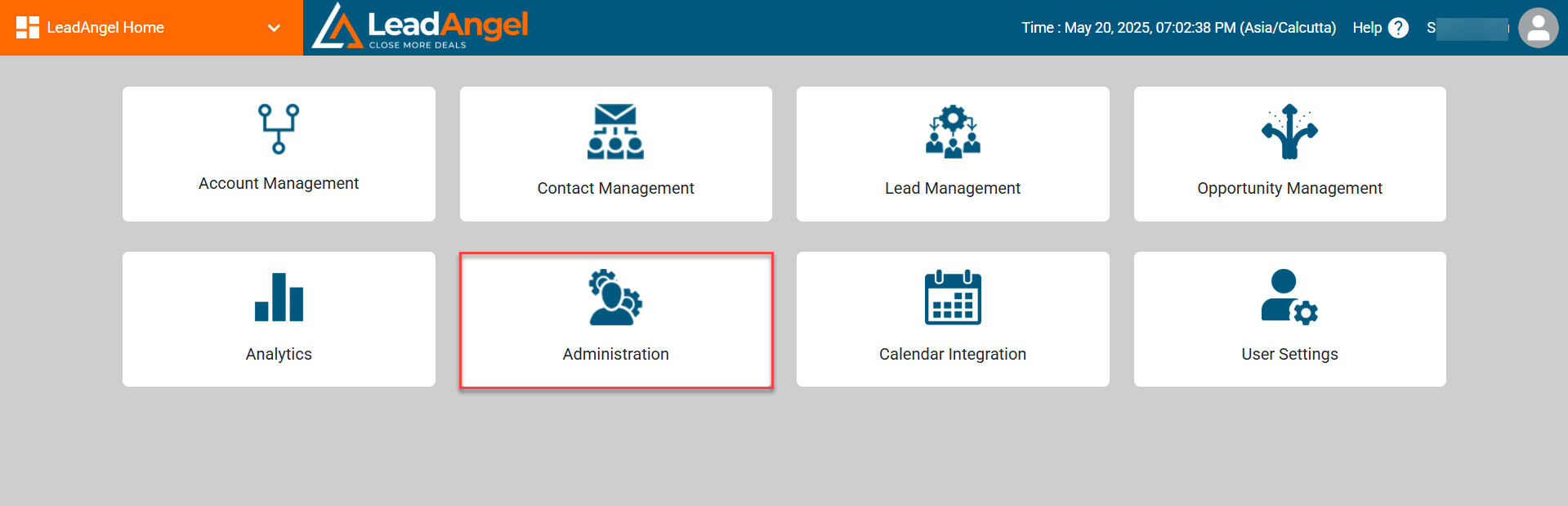
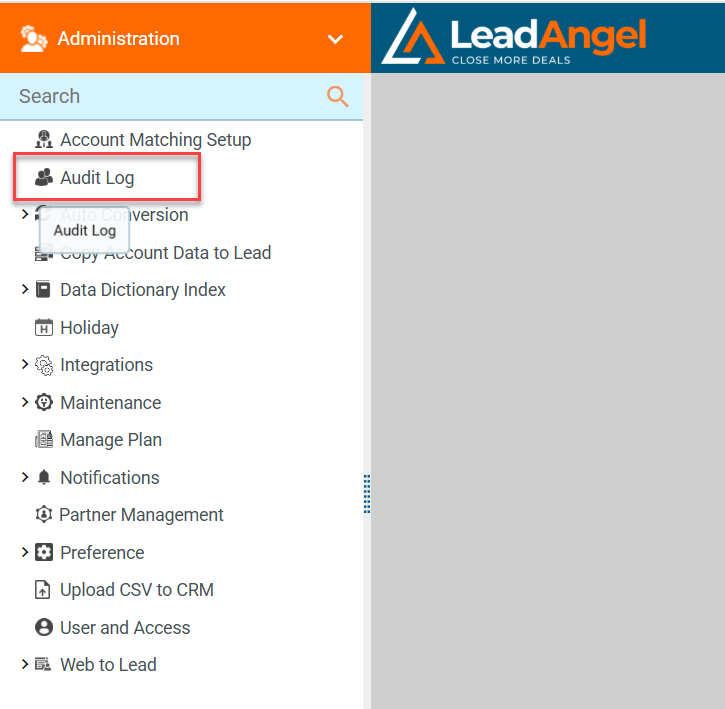
- Go to Administration > Audit Log.
¶ What information does the Audit Log show?
The log displays key details such as:
- Audit Log ID
- Audited By (user)
- Status
- API Name
- Date Picker for filtering
By default, the date range shows one week of data:
- Start date is 6 days before the current date
- End date is the current date, based on the selected time zone
¶ How do I view more details about an entry?
Click the “Eye” icon under the Action column to view detailed information for any log entry.